Duration-tiered swaps
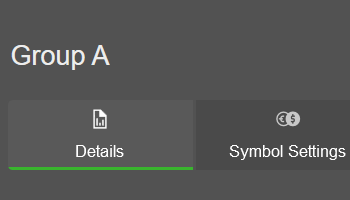
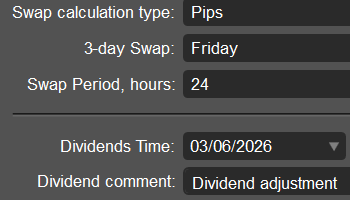
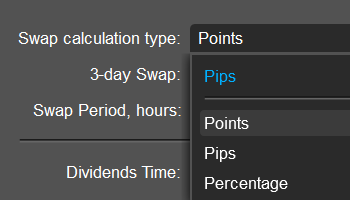
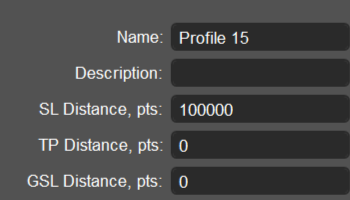
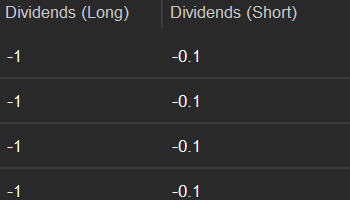
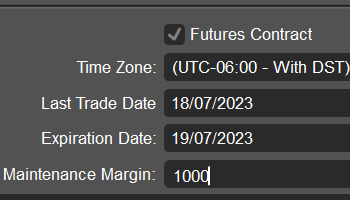
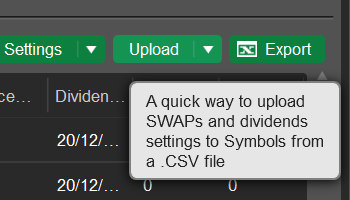
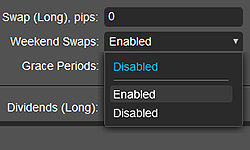
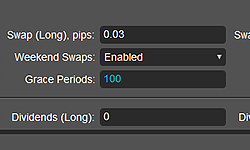
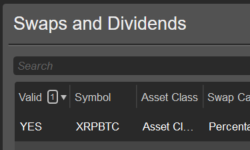
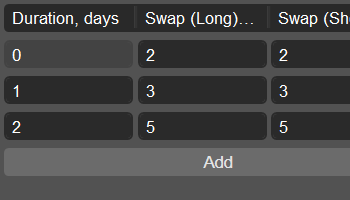
Set up to 10 position-duration tiers for the default swap settings in the Symbols app. In the Swaps and dividends app, you can edit tiers for individual symbols within a profile and set long and short swap values for each tier.
Price spikes filtering
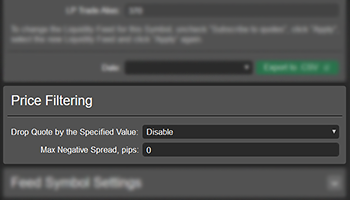
Protect your pricing from abnormal quotes by configuring a maximum price change in basis points and a reference window in milliseconds for each symbol. When price spikes filtering is enabled, quotes exceeding the threshold within the reference window are rejected.
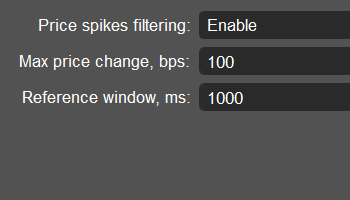
Chart history copying
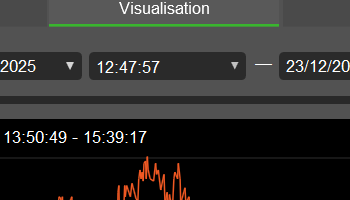
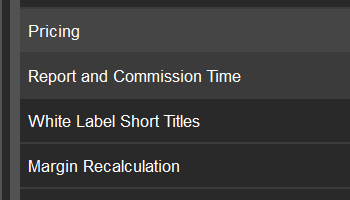
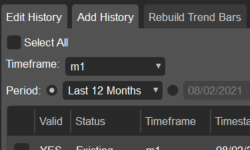
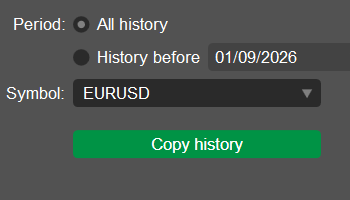
Copy chart history from another symbol using the new dedicated tab in the "Modify charts" window opened from "Pricing" in the Symbols app. Choose whether to copy all available history or only data up to a selected date and time.
Reporting entities access
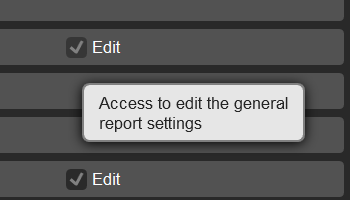
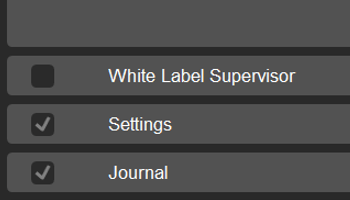
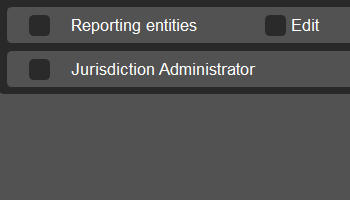
Manage access to the Reporting entities app independently of the General settings app using new read and edit permissions in the Managers app. This gives white label resellers greater flexibility and more granular control over manager access rights.
New exposure calculation types
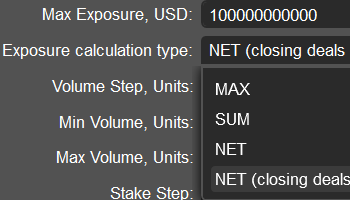
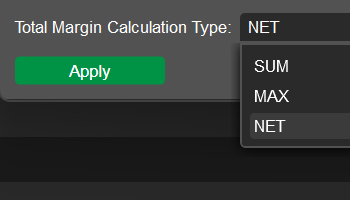
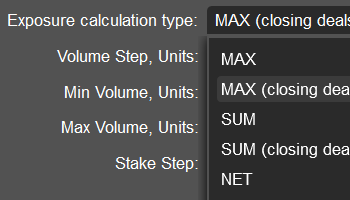
Choose the new MAX and SUM exposure calculation types with closing deals allowed in the volume profiles of the Group profiles app. These options allow eligible closing deals to bypass maximum exposure validation when they do not change the position direction.
Manager activity details
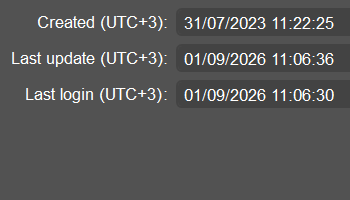
Monitor manager activity in the Managers app by viewing the date and time of profile creation, last update and last login for each back-office user. This helps you verify cTrader Admin usage, identify inactive manager accounts and follow up on access or adoption issues.
Bulk symbol translation
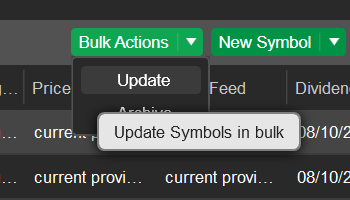
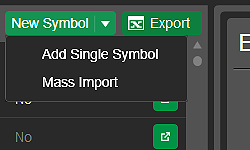
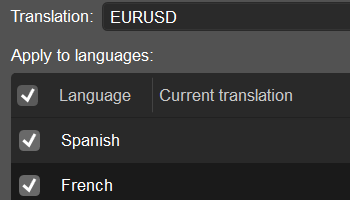
Add translations in bulk for symbols with multiple liquidity feeds in the "More" tab of the Symbols app. This simplifies the workaround of creating separate symbols with the same ticker and reduces repetitive configuration.
Tick data export
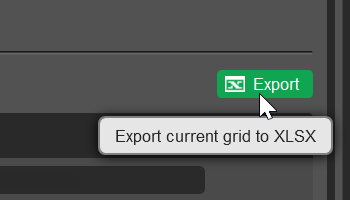
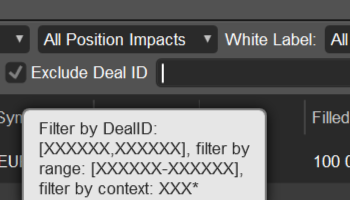
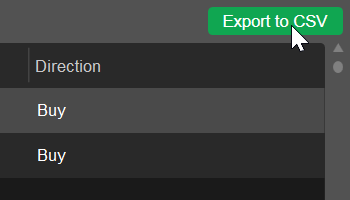
Export tick data to CSV directly from the "Ticks" tab in the Orders and Positions apps. Use timestamps alongside bid and ask prices to effectively investigate executions and address potential disputes.
Milliseconds in report parameters
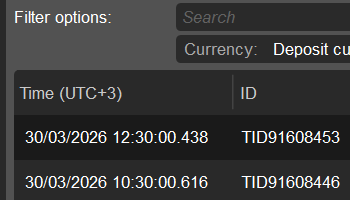
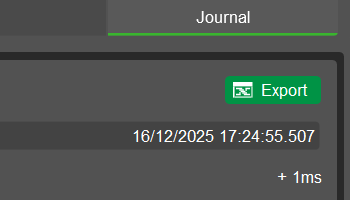
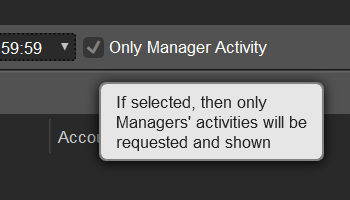
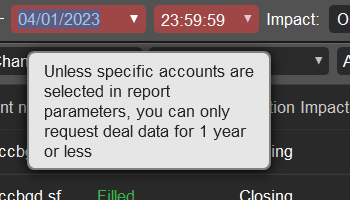
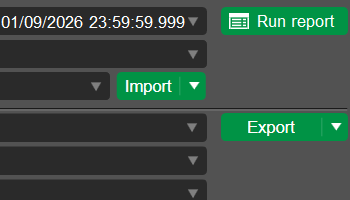
Use millisecond precision for date and time parameters when running reports in the Deals (history) app. This ensures that records occurring during the final second of the selected period are included.
No quotes email alerts
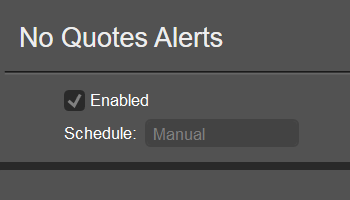
Configure email alerts to notify recipients when the platform stops receiving quotes from a liquidity provider. In the "Report settings" tab of the Reports app, you can manage alert recipients separately for each white label.