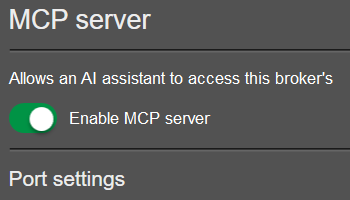
MCP server
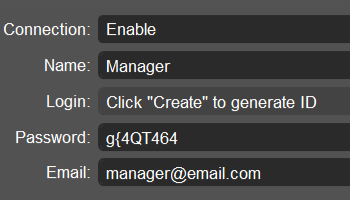
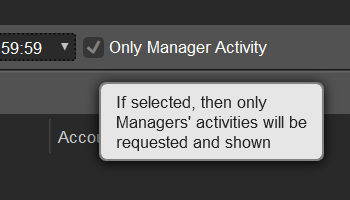
Connect your AI agent to cTrader Admin to investigate trading events, review account performance and exposure, inspect historical market data and check symbol and group settings using natural language. The local MCP server provides read-only access within your manager permissions.
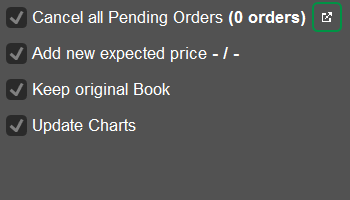
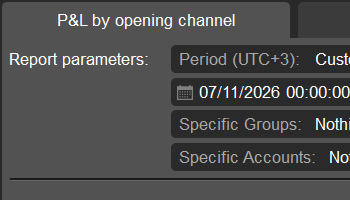
P&L by opening channel
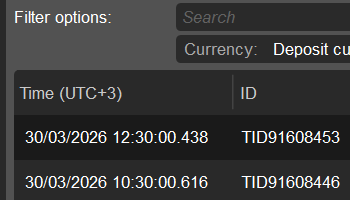
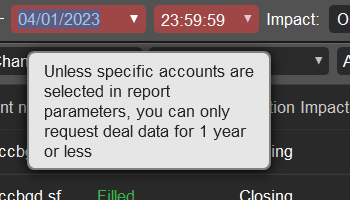
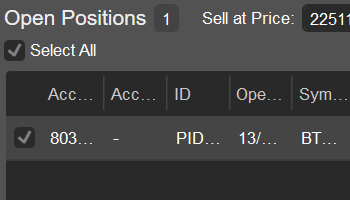
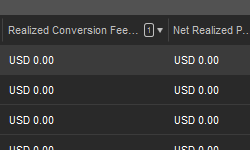
Analyse realised P&L by the channel used to open a trade and assess channel performance in the new tab of the Deals app. Review how each closing deal offsets opening deals, view opening and closing channels separately, and export results to CSV for further analysis.
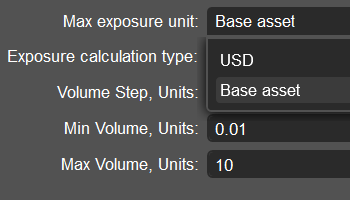
Base currency position limits
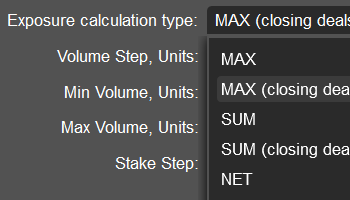
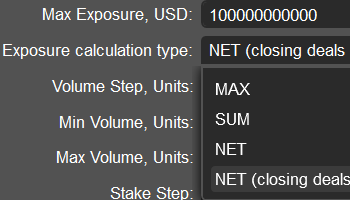
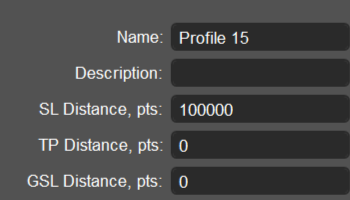
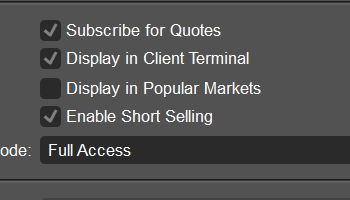
Set maximum exposure in the symbol's base currency by selecting the new option from the "Max exposure unit" dropdown in the volume profiles of the Group profiles app. This gives you more flexibility when defining exposure limits for instruments such as cryptocurrencies.
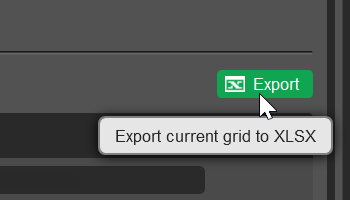
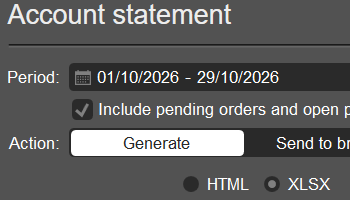
Account statements in XLSX
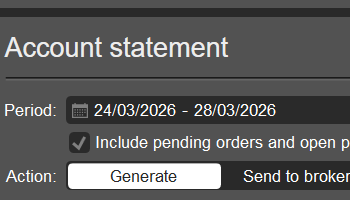
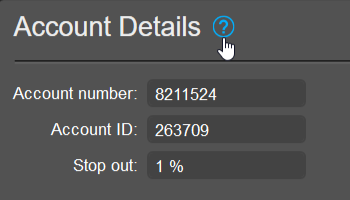
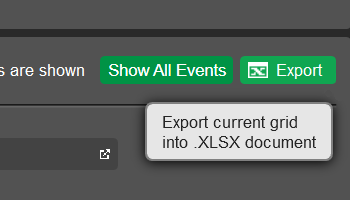
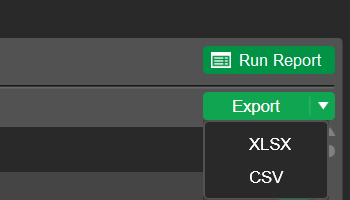
Download account statements for a custom period in XLSX format from the "Account statement" section in account details. You can work with statement data in Excel alongside the existing HTML output.
Order history details
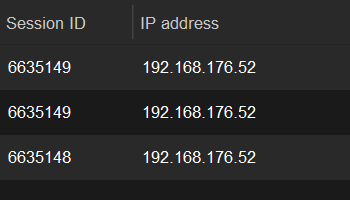
Investigate order origins using the new session ID and IP address columns in the "Order history" tab of the Orders app. These details help you connect order activity with the relevant client session.
Country in account-related grids
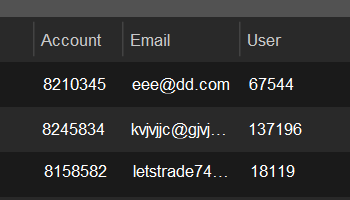
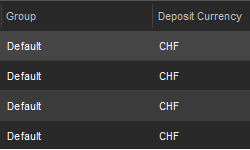
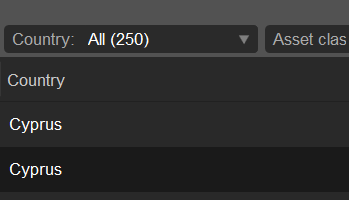
View the account country in all grids that include trading accounts and use country filters to narrow your results. You can identify the client's registered country while reviewing activity, without opening account details or switching to the Accounts app.
Message type parameter
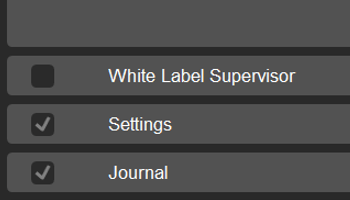
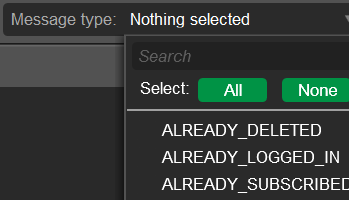
Select one or more message types when running account activity reports in the Journal app. The new "Message type" parameter enables more granular analysis of journal records and helps you focus on relevant events.
Reject A-Book deals on stale quotes
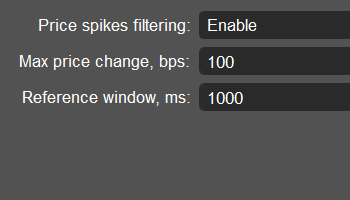
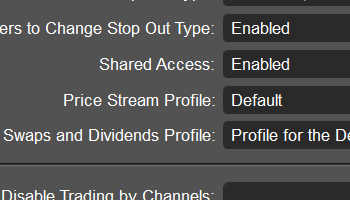
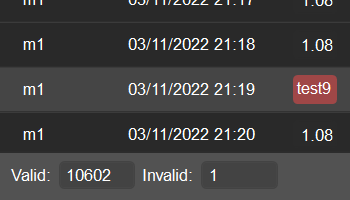
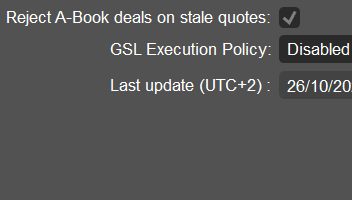
Enable the new option in execution profiles in the Group profiles app to reject A-Book deals internally when the backing quote has expired, before they reach a liquidity provider. This reduces unnecessary routing during quote interruptions.
Swap tier import, export and bulk updates
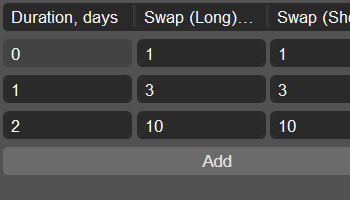
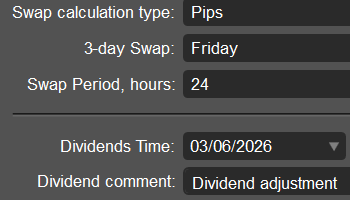
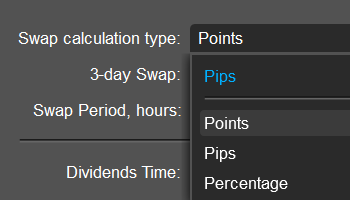
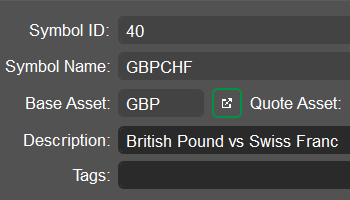
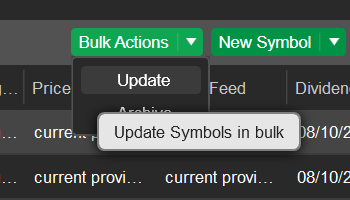
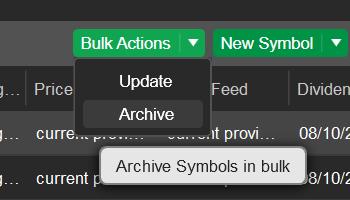
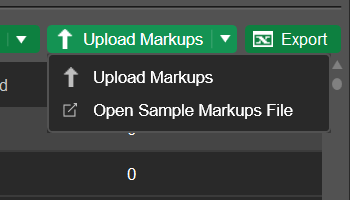
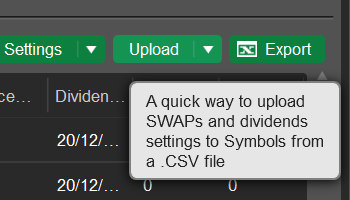
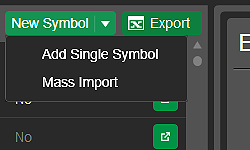
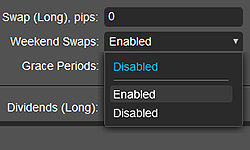
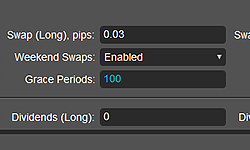
Import, export and update position duration tiers in bulk in the Symbols app, or include them when uploading swaps in the Swaps and dividends app. Manage tier durations and long and short swap values, reducing manual configuration.
Account adjustment notes
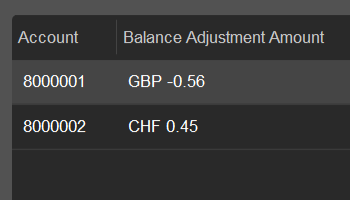
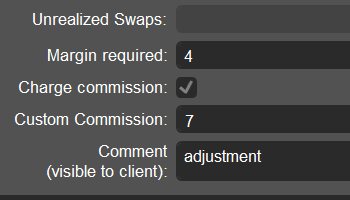
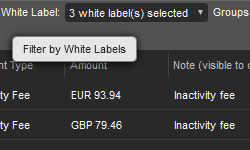
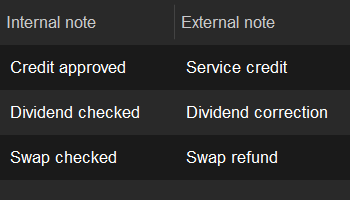
Upload individual internal and external notes for each entry in a mass balance adjustment file in Global tools. This helps you preserve account-specific references and improve traceability while processing adjustments in one batch.
Spreads in absolute values
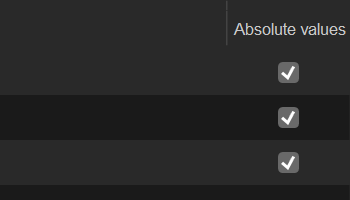
Choose to display spreads in absolute price values for selected symbols in the "Spread units" section of the GUI settings app. This lets you tailor how spreads appear in your cTrader apps, with pips remaining the default for other symbols.